When someone searches:
“Italian restaurant near me”
Google does not show random results.
It shows three businesses inside the Google Map Pack - the most visible section of local search.
If your restaurant is not there, you are invisible to high-intent customers.
This guide explains:
How Google ranks restaurants in the Map Pack
What factors influence local visibility
How to optimize your Google Business Profile
How your website impacts local rankings
The most common mistakes restaurants make
What Is Google’s Map Pack?
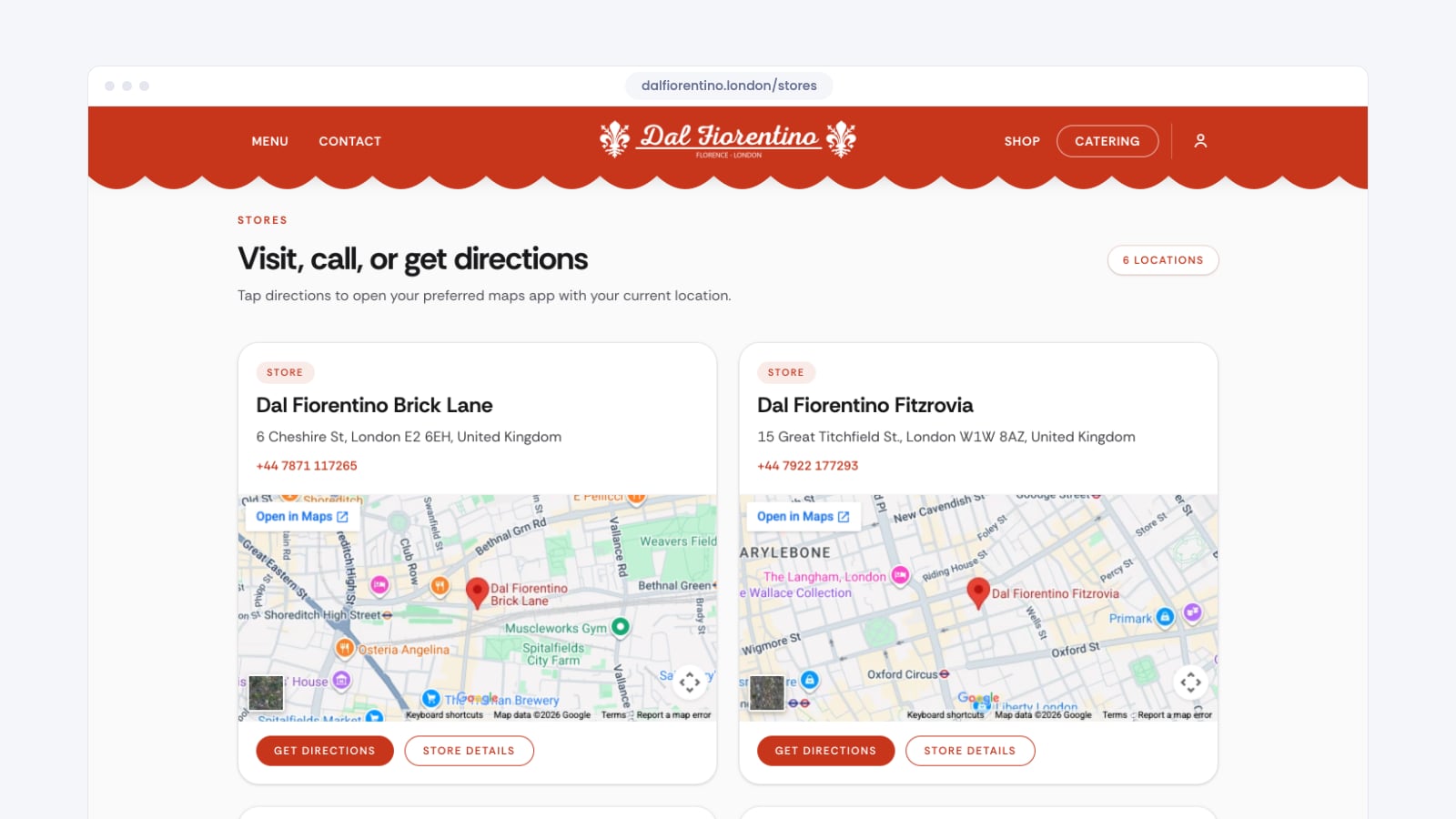
Google’s Map Pack is the section that appears at the top of local search results, showing three nearby businesses along with ratings, location, and contact details.
It appears for searches like:
“restaurant near me”
“best sushi in London”
“pizza restaurant downtown”
Ranking in the Map Pack drives:
Phone calls
Website clicks
Reservation requests
Walk-in traffic
For restaurants, Map Pack visibility often matters more than traditional SEO rankings.
How Does Google Decide Which Restaurants Rank in the Map Pack?
Google evaluates three primary factors:
1. Relevance
How closely your business matches the search query.
2. Distance
How close your restaurant is to the searcher.
3. Prominence
How well-known and authoritative your restaurant appears online.
You cannot control distance.
You can optimize relevance and prominence.
How to Optimize Your Google Business Profile for Restaurant SEO
Your Google Business Profile (GBP) is the foundation of Map Pack rankings.
Here is what must be optimized:
Choose the Correct Primary Category
Your primary category has a major impact on ranking.
Example:
“Italian Restaurant” performs differently than “Restaurant”.
Choose the most specific category possible.
Add Secondary Categories Carefully
Add only relevant secondary categories.
Avoid category stuffing.
Write a Keyword-Optimized Description
Your description should include:
Cuisine type
Location keywords
Unique value proposition
Example:
“Authentic Neapolitan pizza restaurant in Central London specializing in wood-fired sourdough pizzas.”
Avoid keyword spam.
Upload High-Quality Images Regularly
Google favors active profiles.
Upload:
Interior photos
Food photos
Menu highlights
Team photos
Consistency signals activity and legitimacy.
Optimize the Menu Section
Do not rely only on PDFs.
Use structured menu entries inside Google Business when possible.
This improves keyword relevance.
Manage and Respond to Reviews
Review signals include:
Quantity
Quality
Frequency
Response consistency
Restaurants with regular, authentic reviews rank higher over time.
Why Reviews Impact Google Map Rankings
Reviews affect prominence.
Google evaluates:
Star rating
Review volume
Recency
Keywords used inside reviews
If customers mention:
“best pasta in Manchester”
“romantic dinner spot”
“great vegan options”
Those keywords strengthen local relevance signals.
Responding to reviews increases engagement trust signals.
Does Your Website Affect Map Pack Rankings?
Yes - indirectly but significantly.
Google cross-checks your website to validate:
NAP consistency (Name, Address, Phone)
Location keywords
Structured data markup
Local backlinks
Technical performance
A slow, poorly optimized website weakens your local authority signals.
Local SEO and website SEO work together.
Common Google Business Mistakes Restaurants Make
Using the wrong primary category
Leaving the description empty
Not updating photos
Ignoring negative reviews
Inconsistent address formatting
Uploading menu only as PDF
Never posting updates
No keyword structure in profile
Each of these reduces visibility over time.
How Long Does It Take to Rank in the Map Pack?
Ranking timelines depend on:
Competition level
Location density
Review velocity
Website authority
Optimization quality
In low-competition areas, improvements can show within weeks.
In competitive cities, it may take several months of consistent optimization.
Do Paid Ads Improve Map Pack Rankings?
No.
Google Ads do not directly influence organic Map Pack rankings.
However, ads can increase visibility and brand awareness, which may indirectly support prominence signals over time.
Organic Map Pack ranking requires optimization, not advertising.
Does SEO Help Google Maps Rankings?
Yes.
Local SEO strengthens Map Pack performance by improving:
Website authority
Location relevance
Structured data clarity
Backlink quality
Brand recognition
Google evaluates your entire digital footprint - not just your Google Business Profile.
Final Thoughts
Most restaurants focus on social media.
But when customers are hungry, they search Google.
If your restaurant does not appear in the Map Pack, competitors capture that demand by default.
Local visibility is not random.
It is structural.
If your Google Business Profile and website are not systematically optimized, ranking remains unpredictable.
Understanding your local digital infrastructure is the first step toward consistent visibility.